 Stand Up India Loan
The Stand Up India Loan is a significant initiative aimed at promoting entrepreneurship among Scheduled Castes, Scheduled Tribes, and women. This guide provides you with essential steps to log into the Stand Up India Loan portal, along with the necessary documentation. For more information about the application process, visit our application page.
Who This Is For
This guide is designed for individuals and businesses seeking to apply for the Stand Up India Loan. It targets entrepreneurs from Scheduled Castes, Scheduled Tribes, and women who are interested in starting or expanding their businesses.
- Entrepreneurs looking for financial assistance.
- Individuals from SC/ST backgrounds.
- Women entrepreneurs aiming to start their own ventures.
Eligibility & Requirements (Verify Official Notice)
Eligibility criteria may vary; please verify the latest requirements on the official portal. Generally, applicants should be from the SC/ST community or women entrepreneurs, aged 18 and above. For the most current eligibility details, refer to our eligibility page.
- Must belong to Scheduled Caste, Scheduled Tribe, or be a woman.
- Age limit: 18 years and above.
- Verify current eligibility details on the official notice.
Documents Needed
To apply for the Stand Up India Loan, certain documents are required. Ensure you have all documents prepared in PDF format for submission through the portal. You can find a detailed list of necessary documents by visiting our documents page. Common documents include proof of identity, a business plan, and evidence of your SC/ST or woman status.
- Identity proof (Aadhaar, PAN card, etc.).
- Business plan and project report.
- Proof of SC/ST or woman status.
Step-by-Step: How to Proceed
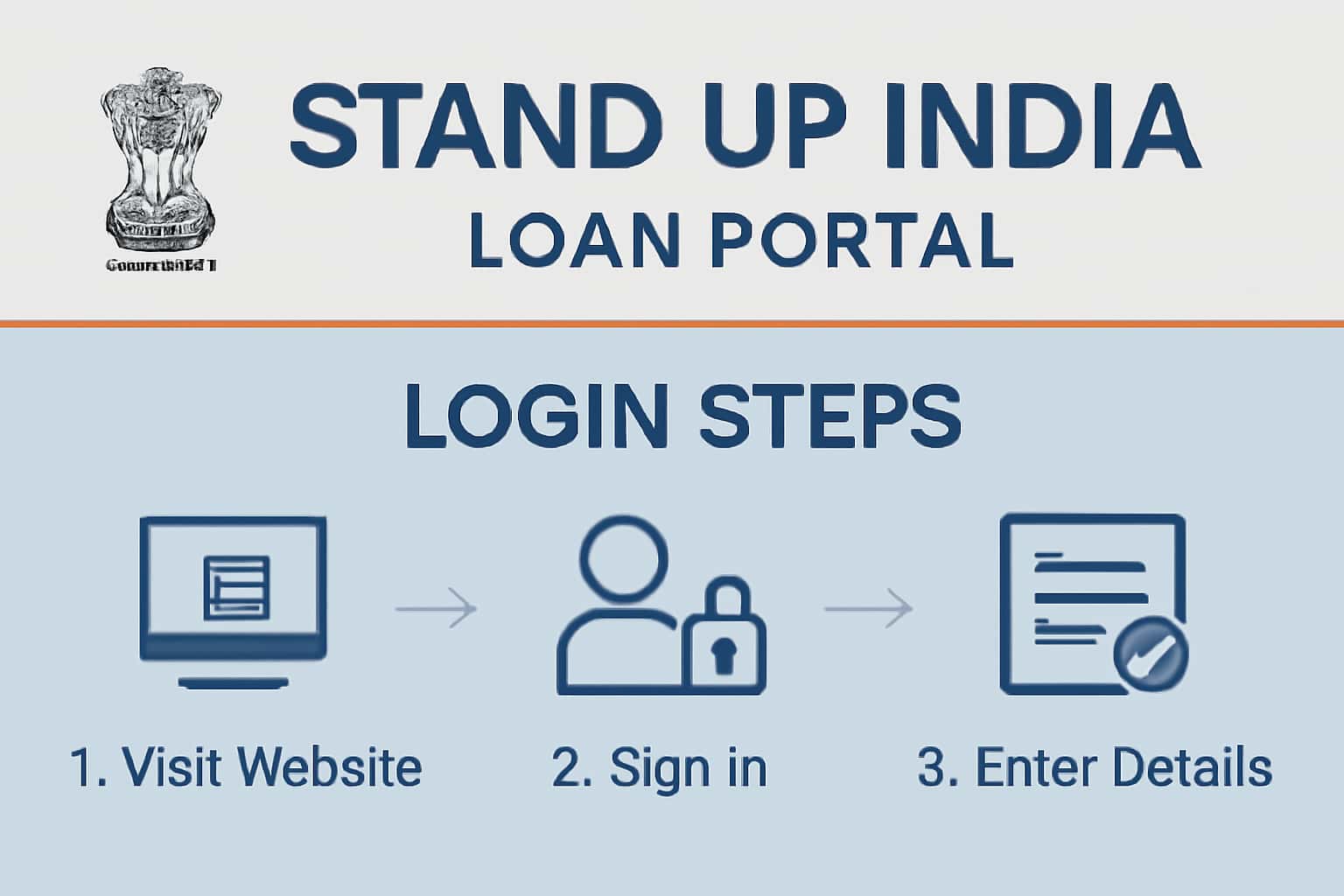
Follow these steps to log into the Stand Up India Loan portal:
1. Visit the official Stand Up India Loan portal.
2. Click on the 'Login' button.
3. Enter your registered mobile number and password.
4. If prompted, enter the OTP sent to your mobile.
5. Once logged in, navigate to the application section.
If you have forgotten your password, you can use the 'Forgot Password' link to reset it. Make sure to check your spam folder for any OTP or confirmation emails.
- Ensure your credentials are correct.
- Check your mobile for OTP verification.
- Navigate carefully through the portal for application.
- Utilize the 'Help' section if you encounter issues.
Common Issues & Fixes
Users may encounter various issues while logging in or submitting documents. Common problems include incorrect credentials, OTP not received, or issues with document uploads. If you're not receiving an OTP, ensure that your registered mobile number is active and has sufficient signal. If you're still facing issues, try restarting your device or clearing your browser cache.
For persistent issues, consider contacting support through our contact page.
- Check for typos in your username/password.
- Ensure your mobile number is registered.
- Contact support for unresolved login issues.
- Try a different browser or device if problems persist.
Frequently Asked Questions
Where do I verify the latest details?
Use the official portal/notification and cross-check dates.
What if I cannot login/apply?
Try the troubleshooting steps and verify OTP/KYC instructions. If issues persist, contact support.